Guess The Word
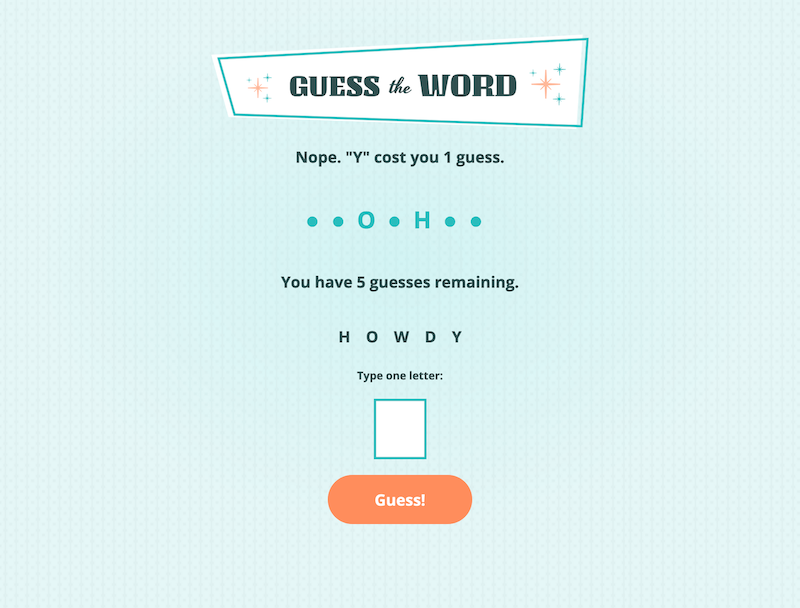
It's you against the dictionary. Ready?
The Challenge
Create an interactive, browser-based guessing game where users guess letters to reveal a hidden word. The project needed to fetch word data from an external source, handle input validation, update game state dynamically, and offer a simple, enjoyable user experience—all without any third-party libraries or frameworks.
My Solution
I took on this challenge to build a browser-based game using only semantic HTML, a simple CSS stylesheet, and vanilla JavaScript.
Core logic included DOM manipulation, input validation, dynamic state updates, and asynchronous word retrieval via fetch(). I added custom feedback messages, UI state toggles for win/loss conditions, and reusable functions to maintain clarity and scalability. A .txt file hosted on GitHub was used to simulate external API behavior, offering hundreds of possible words for each new session.
Results & Impact
The result was a self-contained browser game that runs efficiently on all modern devices, with no dependencies. It demonstrates core front-end engineering skills including JavaScript control flow, DOM rendering, and API consumption. I decided to feature this game on my portfolio as a showcase of functional logic built from scratch.
Key Takeaways
I learned a few things as I worked my way through this project:
- Reinforced the value of writing clean, modular code in pure JavaScript
- Improved async data handling with
fetch()and basic API simulation - Learned how to manage application state without external libraries
- Deepened understanding of accessibility and UX in browser-based games